Edge AI: Why Your Next Phone Won't Need the Internet
Welcome back to AI Brews.
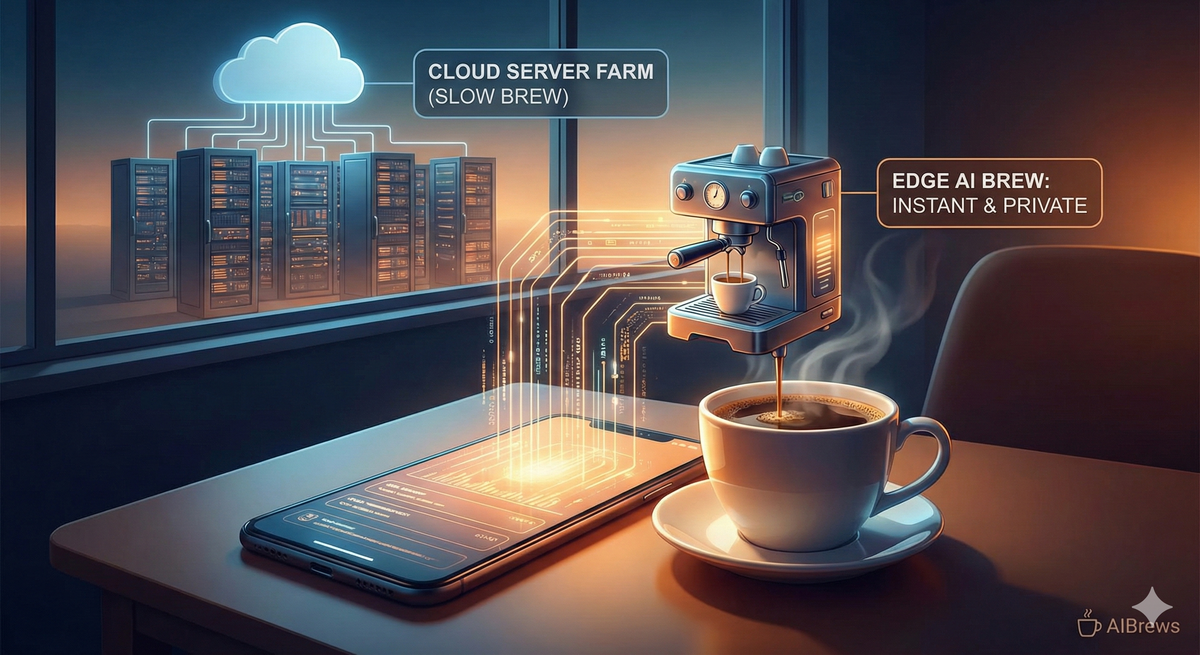
For the last two years, using AI has felt a bit like making a long-distance phone call. You type a prompt into ChatGPT, the little wheel spins, your request travels thousands of miles to a server farm in California, the "brain" there thinks about it, and then sends the answer back to you.
It works, but it’s slow. It eats up your data plan. And most importantly—it means your personal data is leaving your pocket.
But as we head into 2026, the hardware in your pocket is changing. The "Brain" is moving from the server farm directly into your phone. This shift is called Edge AI, and it’s the reason your next smartphone upgrade will be the biggest one in a decade.
Today, we’re brewing a guide on why your phone is about to get a lot smarter—even when you’re in Airplane Mode.
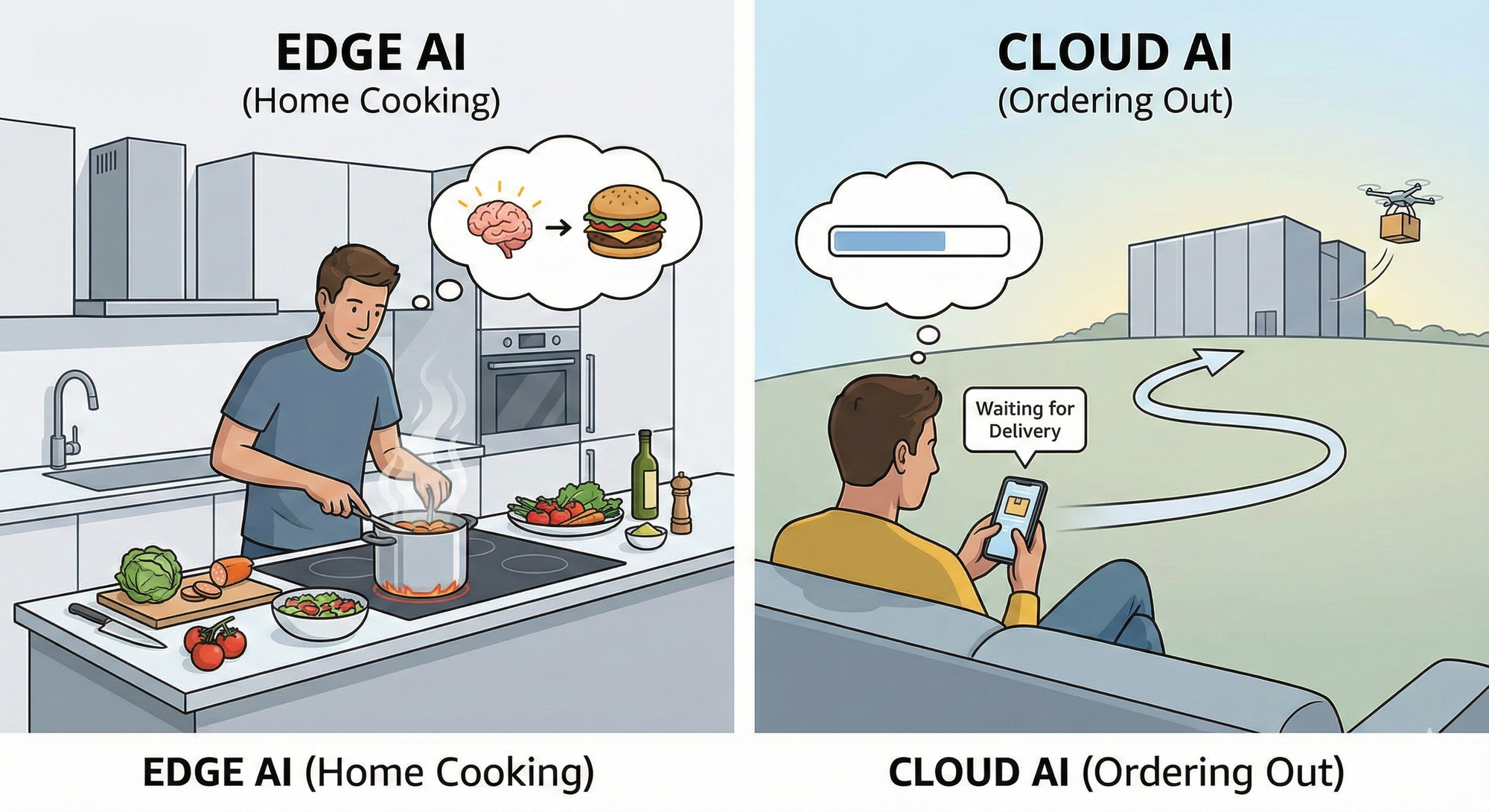
To understand Edge AI, think about dinner.
- Cloud AI (The Old Way): This is like ordering delivery. You want a burger (the answer). You call the restaurant (the server), they cook it, and a driver brings it to you. It’s high quality, but you have to wait, you need a phone connection to order, and you don’t know exactly what happened in that kitchen.
- Edge AI (The New Way): This is like cooking at home. You have the ingredients and the stove right there in your kitchen. You make the burger instantly. No delivery driver, no waiting, and you know exactly what went into it.
Edge AI simply means the Artificial Intelligence lives on the "Edge" (your device), not in the "Cloud" (the internet).
You might be thinking, "My ChatGPT app works fine. Why do I need this?" Here are the three massive benefits that will change your daily life.
1. True Privacy (The "Vegas Rule")
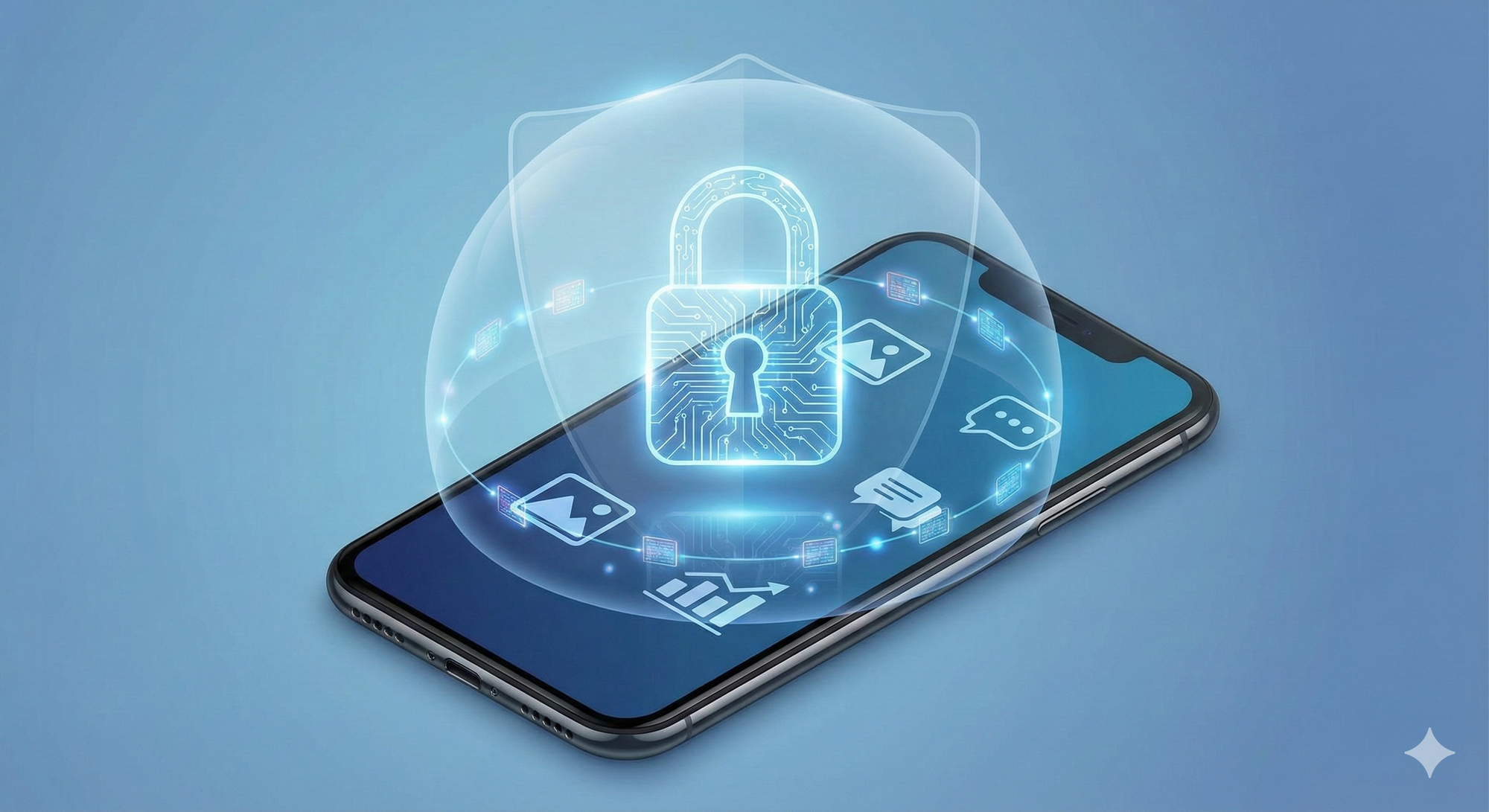
Right now, to use AI, you often have to upload your documents, photos, or questions to a company's server. Even with good privacy policies, that data is still leaving your hands.
With Edge AI, what happens on your phone stays on your phone.
- Example: You can ask your phone, "Look at my bank statements and tell me how much I spent on coffee." The AI scans your files locally. No financial data is ever sent to Apple, Google, or OpenAI. It’s processed by the chip in your phone, and then the memory is wiped. It’s the ultimate security feature.
2. Speed (The End of the Spinning Wheel)
We’ve all seen it: you ask a chatbot a question, and then watch the cursor blink... blink... blink. That’s "Latency"—the time it takes for data to travel across the world.
Edge AI is instant. Because the "brain" is right there on the chip, the response happens as fast as you can type or speak.
- Real-World Scenario: You’re in a foreign country trying to order food. With Cloud AI, a bad signal means you’re stuck in silence. With Edge AI, the translation happens in milliseconds, even with zero bars of signal.
3. Offline Independence
This is the big one. Currently, if the internet goes down, your AI assistant is brain-dead. Edge AI works anywhere: on a flight, in the subway, or in a remote cabin.
- The Upgrade: Imagine drafting emails, summarizing downloaded PDFs, or editing photos with advanced AI tools while sitting on a 10-hour flight with no Wi-Fi.
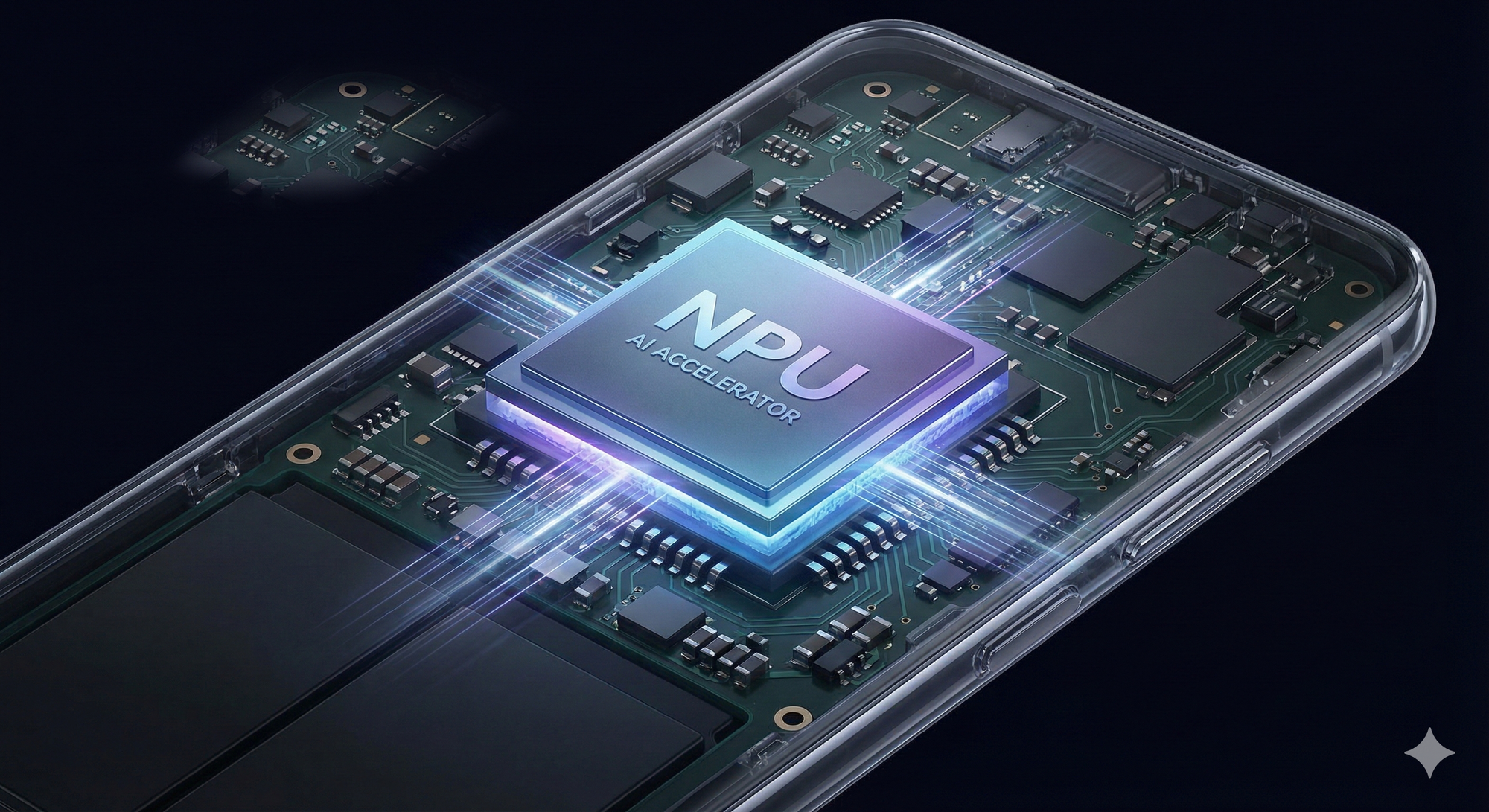
For years, we compared phones based on their CPU (Central Processing Unit) or their Camera. In 2026, the most important spec on the box will be the NPU (Neural Processing Unit).
Think of the NPU as a special part of your phone’s brain dedicated only to thinking like an AI.
- Snapdragon 8 Elite: This is the chip powering most high-end Android phones in late 2025/2026. It’s designed specifically to run "Agentic" tasks—meaning it can navigate your apps for you.
- Apple Intelligence: Apple’s approach uses a mix. Simple tasks happen on your iPhone’s NPU. If a task is too hard, it uses "Private Cloud Compute"—a secure vault in the cloud that deletes your data the second it’s done.
Here is how your daily workflow changes with Edge AI:
1. The "Memory" Assistant
- Old Way: You search your email for "Ticket."
- Edge AI Way: You say, "Show me the QR code for the concert tonight." The AI remembers you bought the ticket three weeks ago, finds the email, opens the attachment, and displays the code—all without you opening a single app.
2. The Real-Time Editor
- Old Way: You upload a photo to an app to remove a background.
- Edge AI Way: You record a video, and the AI can blur the background live while you are recording, or remove a person walking behind you in real-time.
3. The Battery Saver
- Surprisingly, Edge AI saves battery. Sending data over 5G requires a lot of power. Processing it locally on an efficient NPU uses a fraction of the energy.
There is one piece of bad news, though. You can't just download an update to get this.
Because Edge AI requires heavy lifting from the NPU, your old phone probably can’t do it. The Divide: We are about to see a split in the market. "AI-Ready" phones (iPhone 16/17, Pixel 10, Samsung S25) will have these features. Older phones will be stuck with the "Cloud-only" versions, which will feel slower and less private.
We are moving from the era of chatting with AI to Living with AI.
Edge AI makes technology feel less like a tool you visit and more like a superpower you carry. It’s faster, it’s safer, and it finally works when the Wi-Fi doesn't.
If you’re planning to buy a new phone in 2026, don’t just look at the camera megapixels. Look at the NPU. That’s where the real magic is going to happen.
See you in our next article!
If this article helped you understand Edge AI, do have a look at our recent stories on Genz's new obsession, Perplexity's dominance, Wearable AI boom, GPT Store, Apple AI, and Lovable 2.0. Share this with a friend who’s curious about where AI and the tech industry are heading next.
Until next brew ☕